
Your First Booking with CarlundCarla.de
Want to rent a vehicle from CarlundCarla.de for the first time but aren't quite sure how it works? We've summarised all the booking steps for you here in a step-by-step guide.
Finding the Right Vehicle
Select your start date, end date, vehicle type and location, then start the search. Choose the location that suits you and find an available booking period. Then click ‘jetzt mieten’ (Rent now)!
The Booking Process
- Select your pick-up and return times as well as the number of kilometres you'll be driving.
- Choose any optional rates and extras.
- Enter your personal details and, if you like, create a customer account so you can unlock your vehicle yourself.
- If there are different or additional drivers, you can add them here.
- Any voucher codes can be entered in the next step.
- Your booking is then completed using one of our digital payment options.
Picking Up the Vehicle
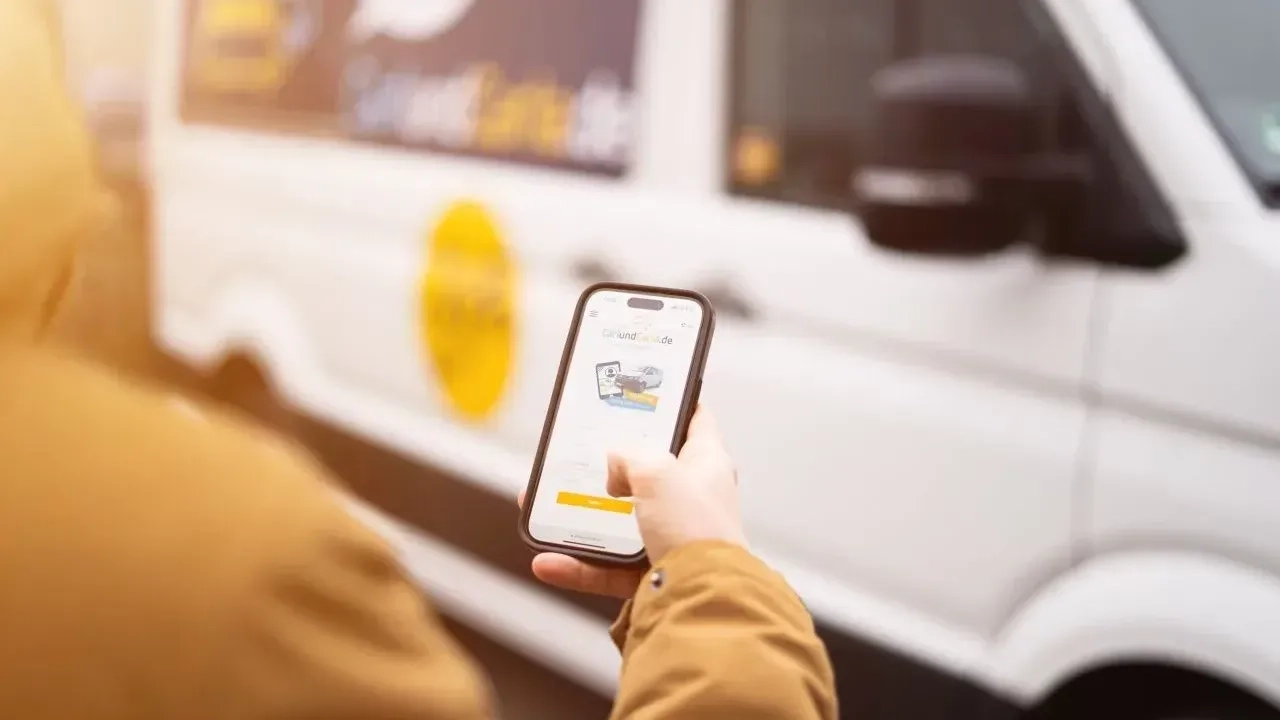
There are two ways to pick up your rented van or 9-seater minibus: by phone via the customer hotline or with your smartphone via your customer account.
Here you'll find a video guide to picking up via your customer account.
Returning the Vehicle
Your rental period is almost over.
Before returning
Please don't forget to fill the vehicle up with diesel and keep the fuel receipt before you bring it back to the pick-up location.
The return is then done via your customer account again or by phone via the customer hotline.
Here you'll find a video guide to returning via your customer account.
You can watch the complete booking process again in this video.
Anleitungsvideo zur Online-Buchung bei CarlundCarla.de via Smartphone